Guide · timeline notes
Back to GuidesReezn on Android TV: Sideload and Setup Guide
Sideload Reezn onto Android TV or a TV box: transferring the APK, installing with a file manager, remote-friendly setup, and big-screen tips.
Why put Reezn on the TV directly
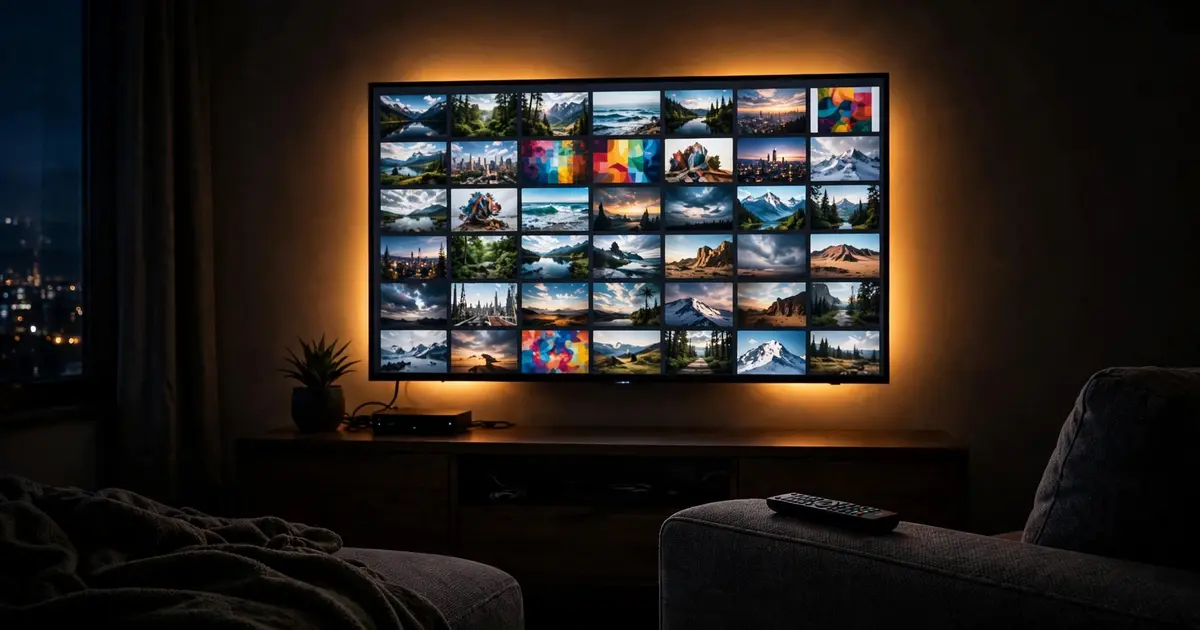
Casting is great, but a native install is better: no phone battery drain, no network hop, and the whole household can browse without borrowing your handset. The Reezn APK scales cleanly to television screens.
Step 1: Get the APK onto the TV
Download the Reezn APK file from the download page on your phone or computer first. The easiest transfer is a USB drive: copy reezn.apk onto it, plug it into the TV, and open it with the TV's file manager. No USB port free? Send the file with any "send to TV" style app over your local network.
Step 2: Install with a file manager
Open the APK from the file manager. Android TV will ask you to allow installs from that file manager once, then proceed. The install takes under a minute on most boxes.
Step 3: Set it up for the remote
Grant storage permission on first launch and let the library scan. Navigation is fully remote-friendly: directional pad moves, center button selects, back exits. Bump the interface text size one step in settings if you sit far from the screen.
Big-screen tips
Point Reezn at network shares and the TV becomes the household media hub: the network streaming guide covers SMB setup. For audio, the TV's own speakers are fine for casual viewing, but a soundbar over HDMI-ARC transforms movie night.
Phone battery running low from casting instead? The battery guide trims the worst offenders. And if you would rather cast than sideload, the Chromecast setup guide is the faster path.
A television running the Reezn APK natively is the setup that ends the casting-versus-sideload debate for most households.
Quick answers
Does Reezn work with a TV remote?
Yes. The interface is navigable with a standard directional-pad remote; no mouse toggle needed.
Will it run on a Firestick?
On Android-based TV sticks and boxes, sideloading works the same way. Performance depends on the stick's hardware.
Do I need to repeat this for updates?
Yes, sideload the newer APK over the old install. Your library and settings carry over.